Three modes, one rule: you decide.
Autonomy is configured per use, not assumed. Start read-only, move to supervised, grant full autonomy only where it has earned it.
Read-only
The agent gets search, read and aggregate tools. Nothing else. Perfect for questions, analysis and reporting. This is also the mode the Discuss bot runs in.
Supervised
The agent can prepare writes, but every one of them is deferred into a pending-action queue. A human reads the plan and executes or rejects. Nothing changes without a yes. This queue is what powers 360 AI AutoFixer.
Full
Create and write tools included, for flows you've validated end to end. Every run is timed, logged and traceable, so full never means invisible.
Fluent in Odoo. And it learns.
Agents work with typed tools over Odoo's ORM, so they discover your models and fields instead of hallucinating them. And what works becomes a reusable skill.
Full Odoo domains, record reads, grouped aggregates. The same primitives your views use, so answers match what users see.
Models, fields and callable methods are discovered live. The agent learns your customizations, not a generic Odoo.
Call methods, create and write, within the mode you set. Supervised mode turns every write into a reviewable proposal.
Agents save working procedures as skills and reuse them next time, with usage tallies. Your agent gets better at your business.
Agents can consume external MCP servers too: register an endpoint, discover its tools, and they join the toolset next to the Odoo ones.
Conversations are stored as chat sessions with summaries, so context carries over and reviews have a paper trail.
A colleague in Discuss.
The friendliest way in: a bot user in Odoo Discuss. Send it a direct message like you'd ping a colleague, and it answers from live data using the read-only agent. No new app to learn, no write access to worry about.
Lives where you chat
A regular Discuss conversation. Ask about orders, tickets, stock. The bot queries Odoo and answers in the thread.
Read-only by design
The bot runs the read-only agent. It can look anything up, and change nothing.
Hand-off to supervised
When a conversation needs action, it moves to a supervised chat session, where writes queue for approval.
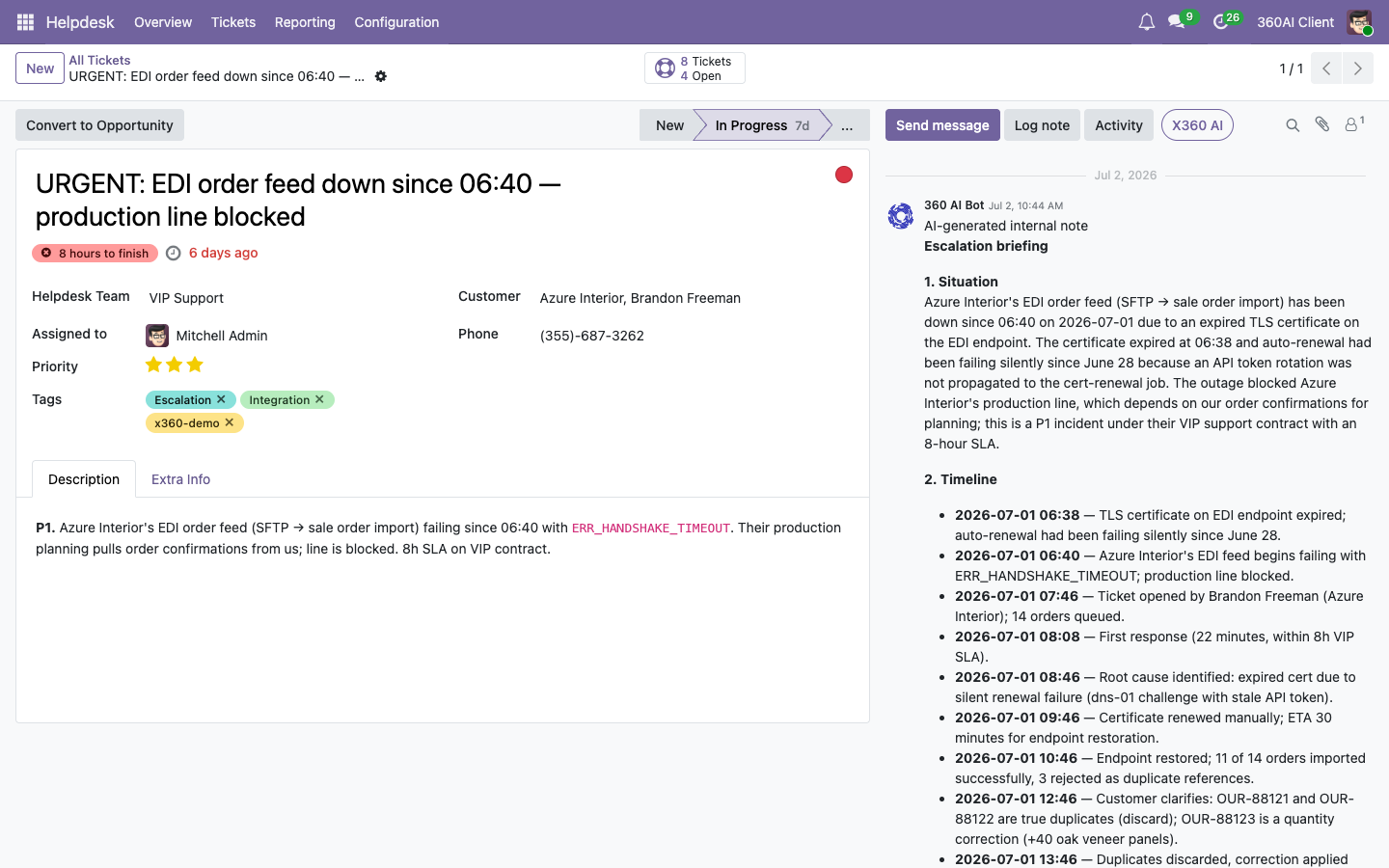
Agents included, example included.
Every mode ships ready to run: the agent prompts come with the platform, in your Odoo and on the hub, and 360 ERP tunes them to your processes. A worked example is included to run and copy.
Read-only, supervised and full mode ship as editable prompts, in your Odoo and on the 360 AI hub.
"Sales Team Performance Analysis" ships as a ready agent prompt: run it on your own data, then clone it into the analyses your management actually asks for.
The hub ships an agent that manages the platform itself: it summarises and maintains your prompts, actions and triggers on request.
Every run measured, logged and judged.
Agents ride the same platform guarantees as everything else in 360 AI: schemas decide which fields the model may see, token usage is metered per provider, runs are instrumented with Logfire, and an eval framework scores prompt quality with an LLM judge before you ship changes. The details live on the technical page.
Delegate the work.
Keep the signature.
Start with the read-only bot, graduate to supervised agents, automate what proves itself. 360 ERP helps you pick the first use case.
Talk to 360 ERP